Over the coming weeks, you may notice a new navigation layout across parts of the My.Drewberry platform. This update introduces a fixed navigation bar at the bottom of benefit components, designed to make it quicker and easier to carry out actions and access documents and supporting information in one place.
The new navigation is already live on Pensions and Allowance Components, with more benefit types (including Health + Cash Plan) to follow soon.
✨ What you’ll see
Here is an example of a benefit component with the new navigation:
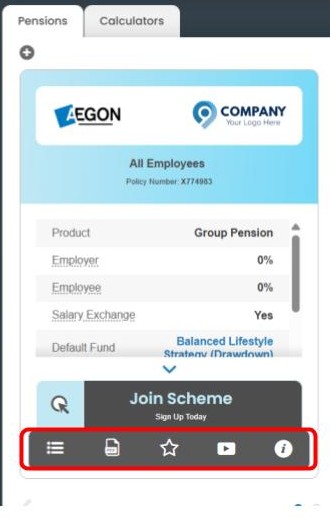
Benefit components using the new navigation include five icons:
1. Actions
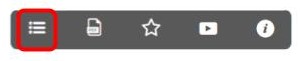
Opens a menu showing actions relevant to the employee and their selections (for example, enrolling in a benefit or submitting a new allowance transaction). For placeholder or locked benefits this will notify them that no changes are available.
2. Documents

Access key documents and, where applicable, previous transactions and uploads related to that benefit.
3. Additional Benefits

Shows any additional benefits linked to the card such as Employee Assistance Programmes or mobile apps.
4. Media
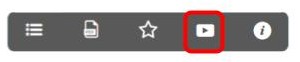
Contains helpful videos explaining how the benefit works.
5. Info

A contextual information view showing helpful facts or guidance related to the benefit being viewed.
We’ll continue to roll this out gradually. Should you have any questions, please reach out to your Benefits Consultant.